PRINTING LABELS AT HOME
A couple of different options for printing labels at home if you are not ready to professionally order:
1) If your labels are not circular (this is what I do for the freezie pops), you can buy a FULL SHEET (8.5 x 11") label sheet LIKE THIS ONE and print a bunch of labels on one sheet. Then cut with a paper cutter. It's not the most efficient but it's an affordable way to start. These sheets can be printed from any color printer.
2) I am in love with this little THERMAL PRINTER. It only prints in black but it does not require ink and you can buy the LABELS in any color so you still have the opportunity to custom / brand the labels. Here are a few label templates to use: THERMAL LABEL TEMPLATES
3) This is my least favorite option if you are serving frozen products because I have had them smear in the past when the product is in and out of the freezer....but if you're in a bind, it's a third option for you! You can get Avery 2" circle label sheets and print from a regular printer.
These options are great for CUSTOM LABELS where you are only printing a very small quantity. Custom label templates can be found in the next section.
PROFESSIONALLY PRINTED LABELS
I have found that Uprinting.com or Vistaprint.com are the cheapest and I have always received great quality labels. Of course the cheaper prices come with quantity.....but below are the specifics of what I order. This is a silly trick, but ordering labels on a 'roll' is 100% a must in my opinion. It will make your labeling process SO MUCH EASIER.
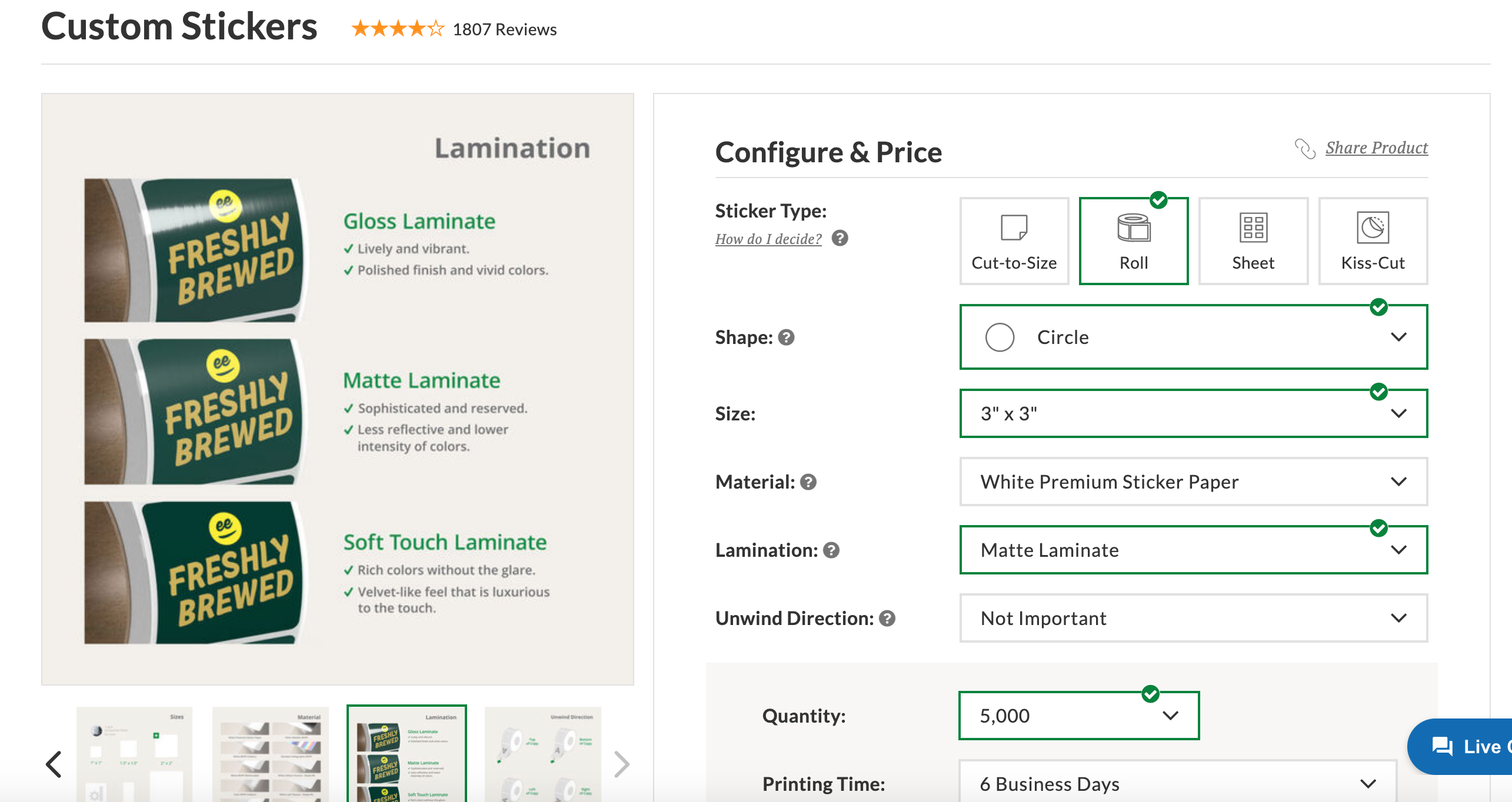
Many people start out with a bulk order of labels with just your logo and that's totally fine! I started that way too. Just make sure to check your local rules & regs to make sure that's okay. I carried a print out with the ingredients so that people could look at it if needed.